Litematica
A building, schematic feature
JAVA ONLY
What is it?
Litematica is a fabric mod allowing players to create schematics of builds or contraptions and see them as "ghost blocks" in any world or the server
Creating a schematic
By grabbing any stick, you can use CTRL+ScrollWheel to scroll through litematica modes.
By going to Mode [1/9]: Area Selection, you can select two positions: left click for first, right click for second.
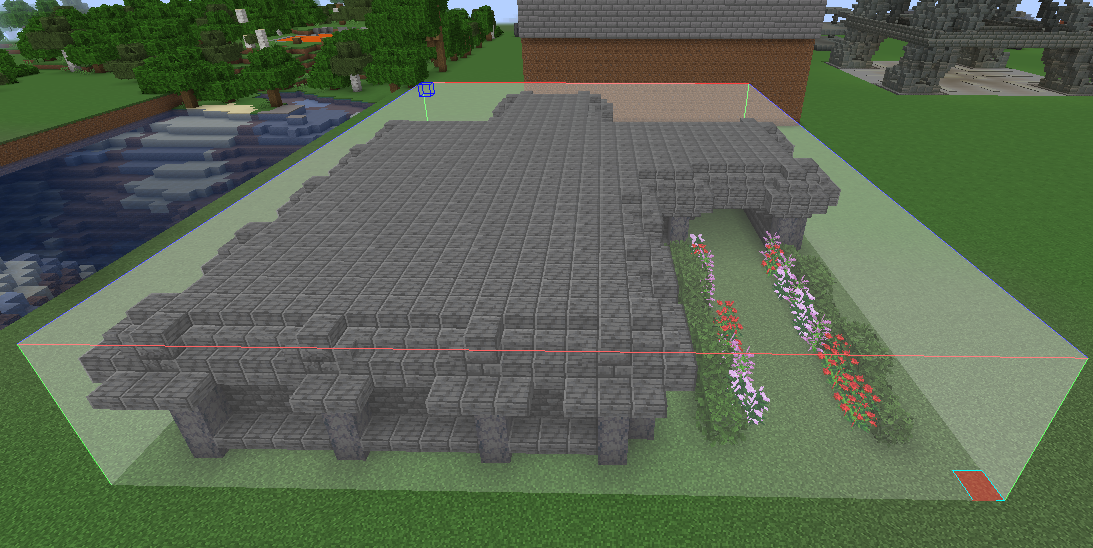
If you create a selection around your build
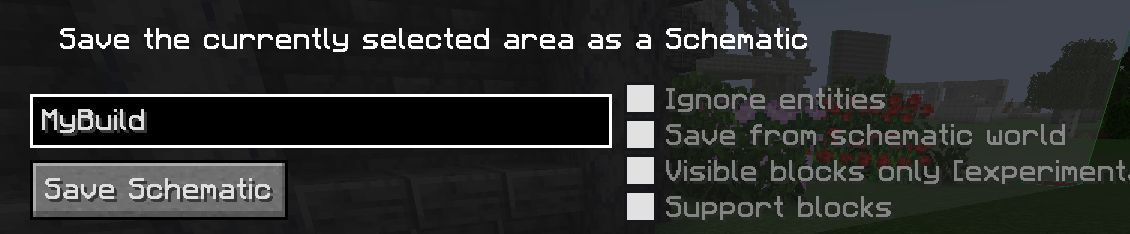
Using CTRL+ALT+S, you can save the schematic with a name and some settings on the right.
Loading the schematic
To load the schematic in the same or any world/server, you can press M and click Load Schematics
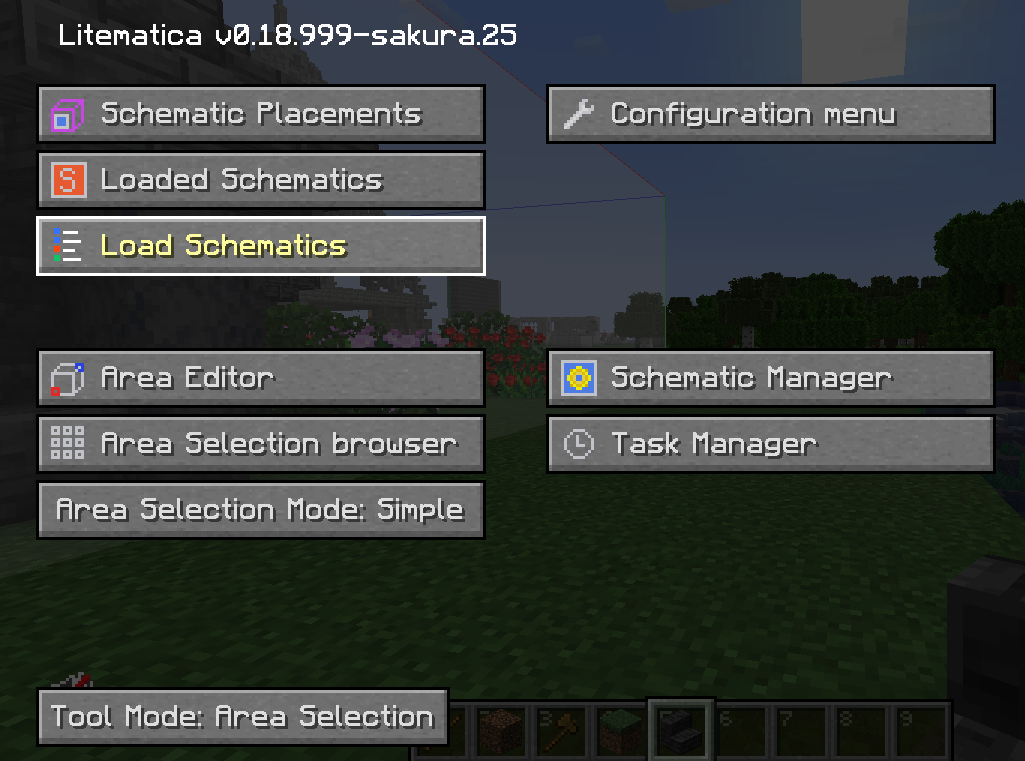
The "Material List button" shows you a list of the materials you need for the build, to ignore blocks like grass blocks from being included, you can press the Ignore button.
The Load Schematic button will load it into memory.
Placing the schematic
After loading it, you can go to [Mode 2/9]: Schematic Placement, you can click any position in the world and it will appear as a ghost
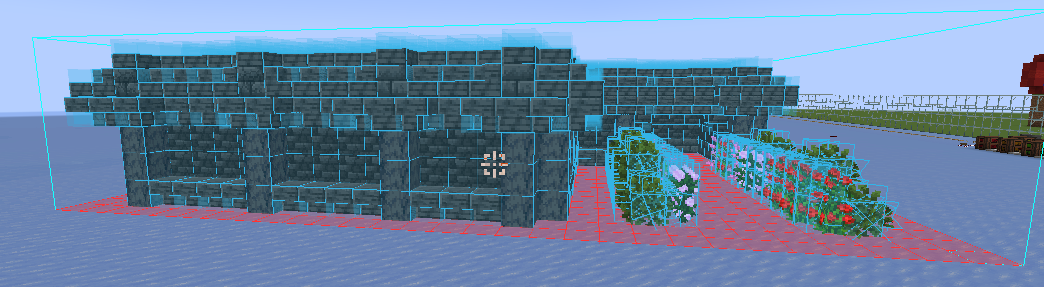
You can place over this with the blocks necessary to use it as a schematic
By pressing Loaded Schematics in the menu, you can unload this schematic from memory once complete!